FlowCraft Proof Slider
Drag the handle across the image to compare before and after. This demo runs the same app.js that comes with the paid slider.
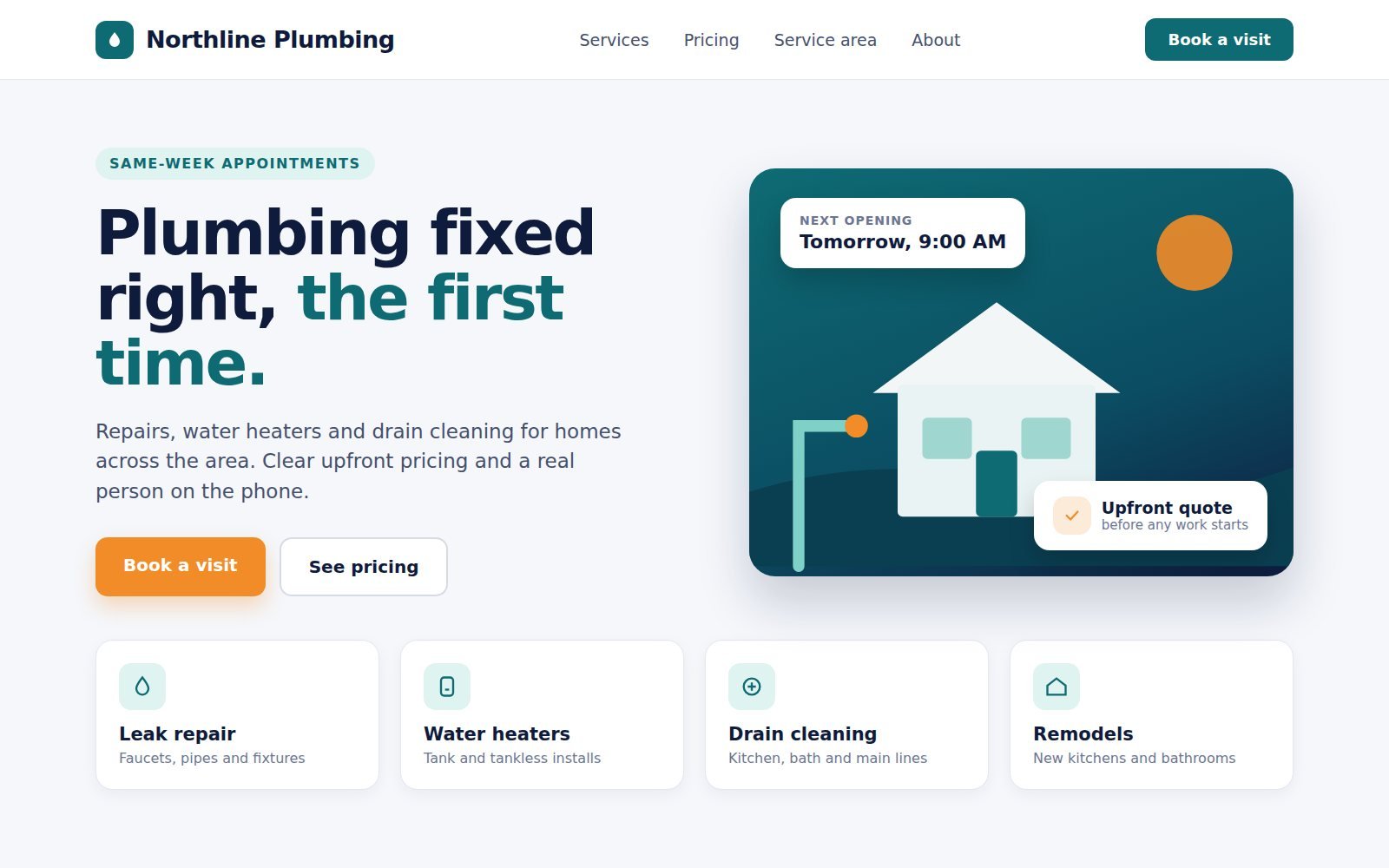
Sample images. Northline Plumbing is a made-up business used to show the slider. You replace both images with your own project photos.
Try it
- Drag the handle. With a mouse, or with a finger on a phone. Scrolling up and down still works.
- Click or tap anywhere. The handle glides straight to that spot.
- Or use the keyboard. Tab to the handle, then use the arrow keys, Home or End.
 Before
After
Before
After
How the slider follows your pointer
Both images sit on top of each other. The top one is trimmed from the right with CSS clip-path, so the bottom one shows through. The math is in app.js, commented step by step.
- Find the pointerMouse and touch events report how far the pointer is from the left edge of the window.
- Measure from the imageSubtract where the image starts, then divide by its width to get a percentage from 0 to 100.
- Trim the top imageAt 70%,
inset(0 30% 0 0)hides the right 30% of the before image, and the handle moves to 70%.
Example: the pointer is 700px from the window's edge and the image starts at 200px and is 800px wide. (700 − 200) ÷ 800 = 0.625, so the handle sits at 62.5%.
function percentFromClientX(stage, clientX) {
  const rect = stage.getBoundingClientRect();
  const offsetX = clientX - rect.left;
  const percent = (offsetX / rect.width) * 100;
  return clamp(percent, 0, 100);
}What the full version includes
Delivered as a ZIP download through Payhip, with an optional .htaccess for Apache/Hostinger caching.
-
index.htmlThe slider markup, styled with Tailwind CSS -
app.jsMouse, touch and keyboard logic (pointer math commented step by step) and the quote form -
style.cssHandle, focus ring and glide effects -
assets/images/before.jpgandafter.jpgsamples to replace with your own
Requirements
- Any web host, or none. The slider also runs when
index.htmlis opened directly from your computer. - Two images of the same size and framing. Replace
before.jpgandafter.jpg, or point the two<img>tags at your own files. - A form endpoint to receive leads (optional). Any service that accepts a JSON
POST, for example Formspree, Make or Zapier. Until you add one, the quote form sends nothing and says so. - An internet connection for visitors. Tailwind CSS loads from its public CDN.
- No npm install or build step. Upload the files and the slider runs.
Get the Proof Slider
Start with the free static shell to check the layout, or get the full version with the working slider you just tried.
Free
Free Static HTML Shell
The slider's layout and markup with the sample images, fixed at the halfway point, so you can review the design in your own project.
- Complete visual layout and sample images
- Sample structure and markup
- Does not include the drag, touch or keyboard logic
Opens the free download on Payhip.
Full version
Full Proof Slider — $67
The working before-and-after slider you just tried, ready for your own project photos.
- Drag with a mouse or finger, click to jump, or use the arrow keys
- Built-in "Get a Free Quote" form sends visitor leads to your form service
- Swap in your own images by replacing two files
- No build step: HTML, Tailwind CSS (via CDN) and vanilla JavaScript
Checkout and download are handled by Payhip.
Back to the FlowCraft catalogue to see the other components.