 Residential
Cedar Lane Residence
A two-storey family home with an open-plan ground floor and large south-facing windows.
Click a category and watch the non-matching projects fade away while the rest glide into place. This demo runs the same app.js that comes with the paid grid.
Sample projects. These six buildings are illustrations made for this demo. You replace them with your own project photos and details.
Our work
Browse a selection of residential, commercial and industrial builds (sample projects).
ResidentialA two-storey family home with an open-plan ground floor and large south-facing windows.
 Residential
A detached one-bedroom cottage built behind an existing home, with its own entrance.
 Commercial
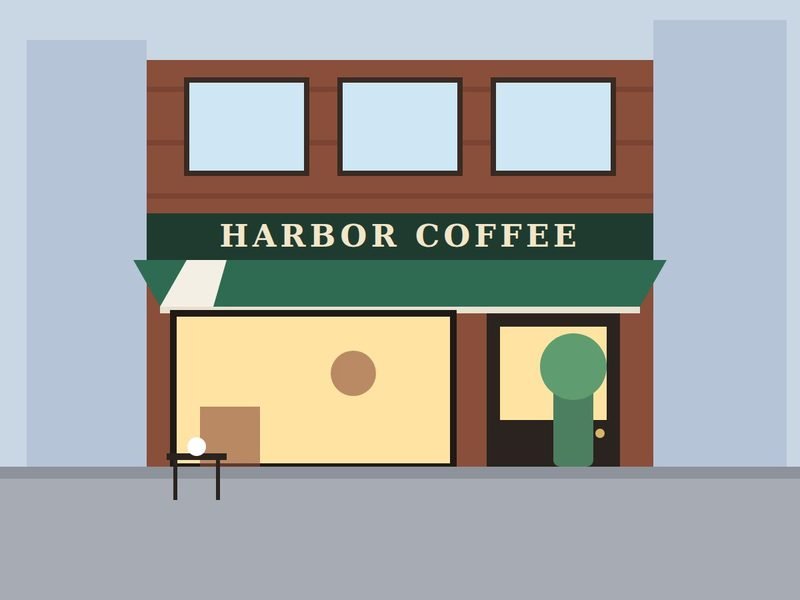
A full café fit-out: new storefront, awning, seating area and service counter.
 Commercial
A glass curtain-wall replacement on an eight-storey office building, floor by floor.
 Industrial
A distribution warehouse with four loading docks and a reinforced truck yard.
 Industrial
A new production hall with a sawtooth roof added to an operating plant.
Hiding cards makes the others jump to new spots. app.js uses a technique called FLIP to turn that jump into a glide, and CSS transitions do the actual animating. No libraries.
Your own categories: give a button data-filter="landscaping" and use the same word in the cards' data-category. A card can belong to several categories at once.
<button data-filter="residential">
  Residential
</button>

<article class="pf-card …"
  data-category="residential">
  <img src="assets/images/project-1.jpg" …>
  <h3>Cedar Lane Residence</h3>
</article>Delivered as a ZIP download through Payhip, with a README.txt setup guide and an optional .htaccess for Apache/Hostinger caching.
index.htmlFilter buttons and six sample cards, styled with Tailwind CSSapp.jsFiltering, the smooth rearranging animation and the quote form, commented step by stepstyle.cssFade and scale transitions and the active filter stateassets/images/Six sample project images to replace with your ownindex.html is opened directly from your computer.POST, for example Formspree, Make or Zapier. Until you add one, the quote form sends nothing and says so.Start with the free static shell to check the layout, or get the full version with the working filters you just tried.
Free
The grid's layout, filter buttons and six sample cards with images, so you can review the design and markup in your own project.
Opens the free download on Payhip.
Full version
The working filterable grid you just tried, ready for your own projects and categories.
Checkout and download are handled by Payhip.
Back to the FlowCraft catalogue to see the other components.